Embroidery digitizing in your browser
From logo to stitches in minutes.
Stitchloft turns a logo or photo into a stitch-ready machine file, with pro-level editing underneath. You pay a small monthly fee, not per logo, and you keep full control of every stitch.
Free plan, no card needed. Paid plans from $12 a month.
What you get
Works with your machine
Exports DST, PES, JEF, VP3, EXP and more. See the full list on the file formats page.
Runs in the browser
Mac, Windows, Linux and Chromebook, in a current desktop browser. Nothing to install.
Fully editable results
The AI result is ordinary stitch objects you can reshape, recolour and re-sequence, not a black box.
Free to start
The free plan has the drawing tools, lettering and a few AI credits. No card needed.
Exports DST, EXP, JEF, PEC, PES, PMV, TBF, U01 and more. See every format.
Before and after
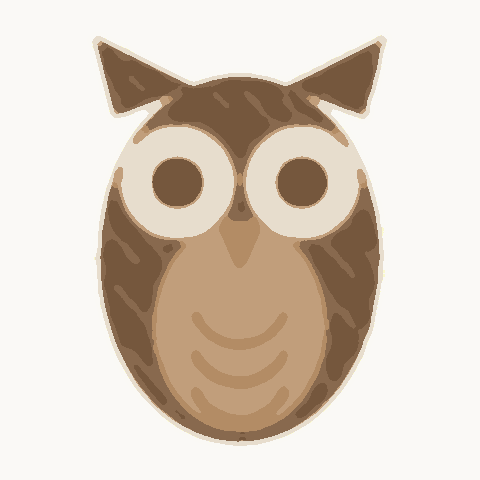
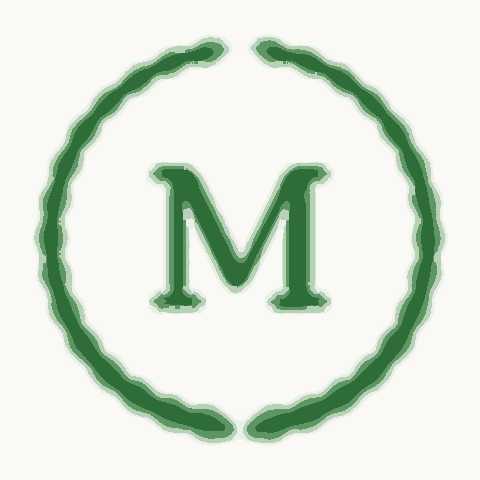
From flat artwork to a stitch-out. These are real designs from the built-in starter library, drawn by the same stitch engine that writes your export.
Artwork 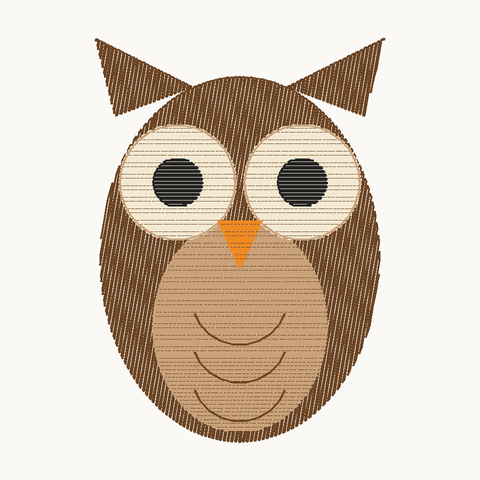
Stitch-out Owl: 7,255 stitches, 60 × 84 mm, 5 colours
Artwork 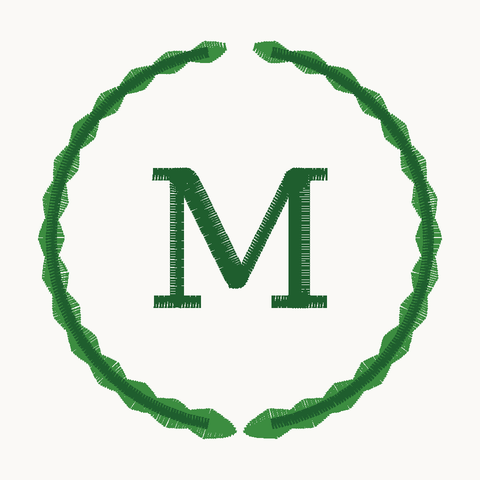
Stitch-out Laurel monogram: 2,728 stitches, 71 × 69 mm, 2 colours
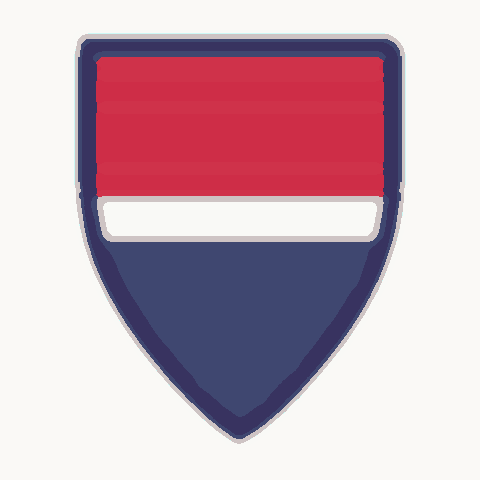
Artwork 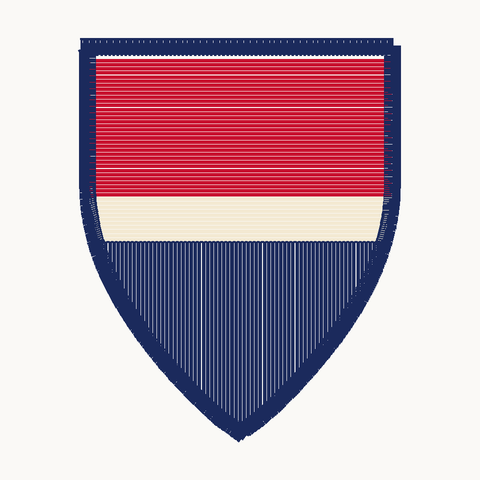
Stitch-out Striped shield: 5,272 stitches, 63 × 79 mm, 3 colours
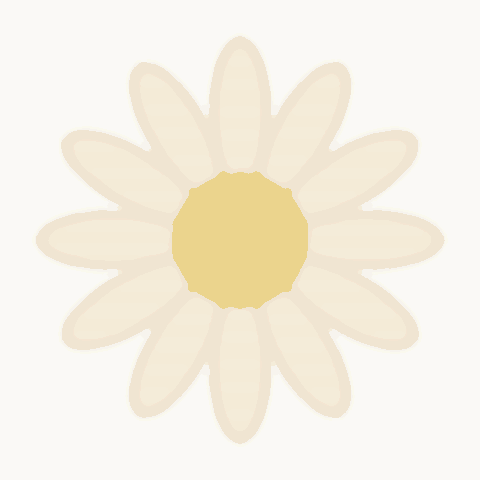
Artwork 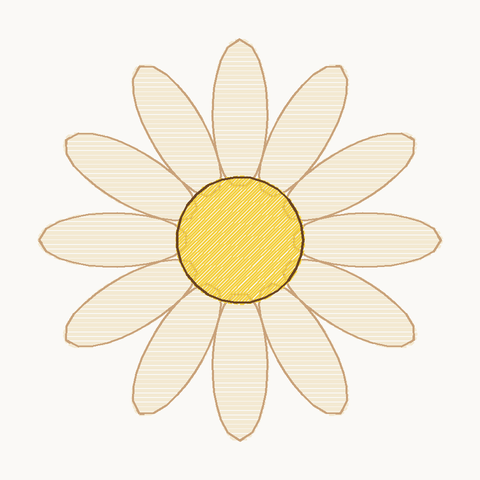
Stitch-out Daisy: 4,384 stitches, 70 × 70 mm, 4 colours
Starter designs are made in the editor, not converted from the artwork shown. Results from your own logo depend on the artwork and the route you choose.
How it works
Four steps from a customer's logo to a file on your machine.
Bring your artwork
Drop in a logo or photo (PNG, JPG, SVG, PDF and more) or start from a starter design.
Digitize it
Trace it yourself, auto-digitize it, or let AI design build a first pass.
Check and edit
Play the stitch-out, switch to the realistic thread view, fix what needs fixing.
Export and sew
Download the file in your machine's format and load it the way you always do.
What is inside
Everything is on the same canvas: draw, import, digitize, check and export.
Digitizing tools
A full set of stitch types, drawn directly on the canvas. Run, satin and fill, Curves and corners and more.
From image to design
Three ways to turn artwork into stitches, so you pick the effort and the control. Import a logo, Auto-digitize and more.
Check before you sew
See the design the way the machine will sew it. Stitch player, Realistic thread view and more.
Simple pricing
Start free. Upgrade when you need unlimited designs and exports, auto-digitize or the production features.
Free
Free
Maker
$12 a month
Pro
$29 a month
Studio
$59 a month
AI credit packs
from $9
Digitize your first logo today
Create a free account, drop in a logo and see how far the first pass gets you. Learn the editor with the in-app lessons.